
iPic
Upload images to Imgur, Flickr, S3, Qiniu, UpYun and other image hosts with iPic, the macOS image-hosting app.
Permissions
When you install it, Typora asks you to allow it to:
- Run
osascriptas you, outside the sandbox.
Sandboxed code. Runs code in a locked-down worker that can only use the API its permissions allow.
What it adds
- Image uploader
- iPic — pick it in Settings ▸ Image ▸ Image Uploader
- Window code
- Runs in a sandboxed worker in each window.
Readme
iPic
Upload images from Typora with iPic, the macOS menu-bar app that sends images to Imgur, Flickr, Amazon S3, Qiniu, UpYun, Aliyun OSS and other image hosts. macOS only.
Use it
- Install iPic from the Mac App Store and set up an image host in it.
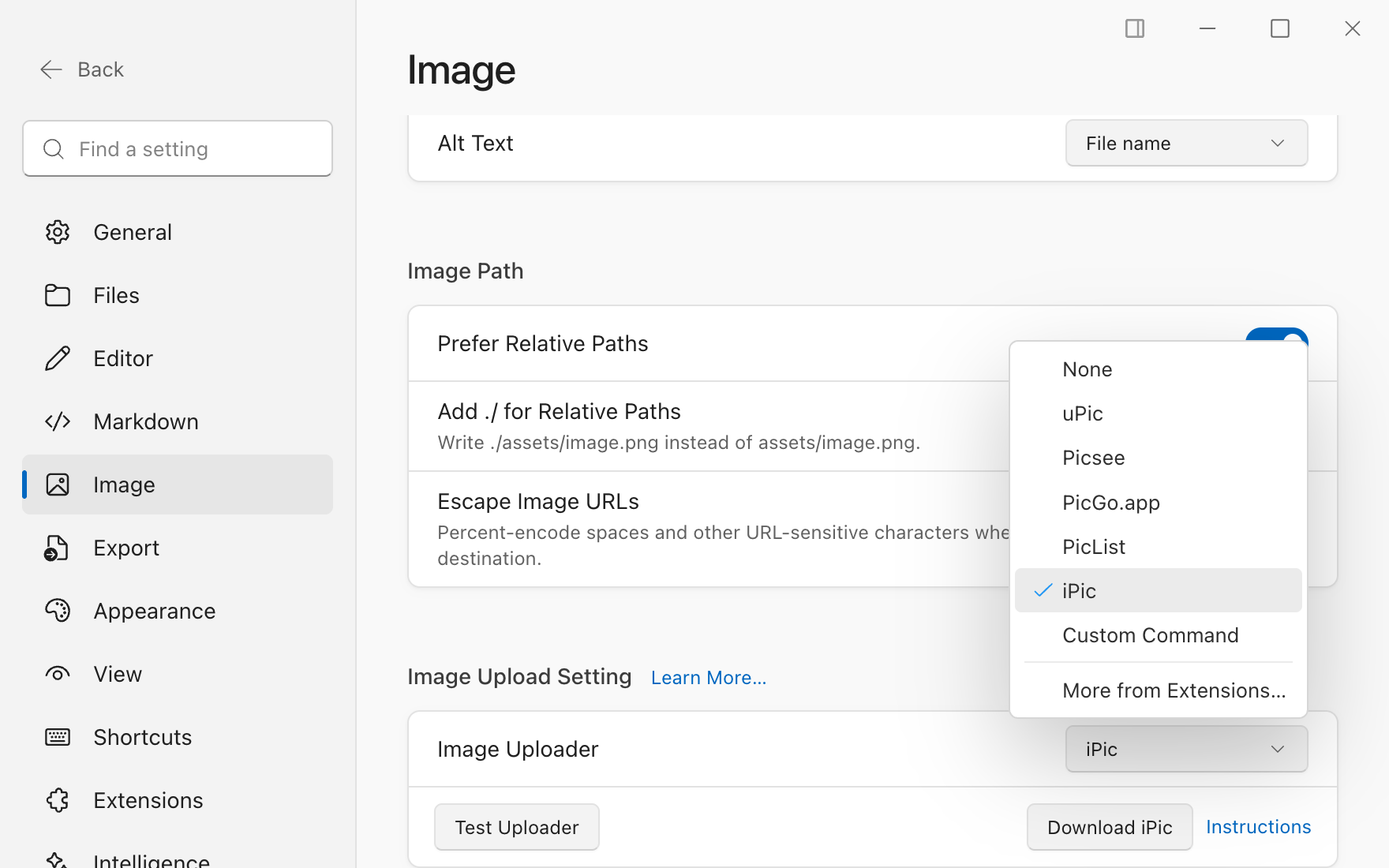
- In Typora, open Settings ▸ Image and choose iPic as the image uploader. Test Uploader uploads one image to check the setup.
- Upload images the usual ways: the image's Upload action, uploading on insert, or
typora-copy-images-to: uploadin the front matter.
Typora starts iPic in the background when it isn't running. Images are uploaded one at a time; each may take up to 30 seconds.
How it works
iPic has no command line. Apps hand it images through its uploader protocol: a private pasteboard (net.toolinbox.ipic.pasteboard, not your clipboard) where the app leaves an image and iPic answers with its link. This extension speaks that protocol in ipic.js, a JavaScript for Automation script run by macOS's built-in osascript. Your clipboard is never touched.
Permissions
process: ["osascript"] — to run ipic.js with /usr/bin/osascript, which ships with macOS. That script only opens iPic (ipic://) and uses iPic's private pasteboard. The images you upload go to iPic, and from there to the hosts you set up in iPic; nothing goes anywhere else.
Credits
The protocol is the one in iPicUploader by Jason Zheng (MIT license), reimplemented here; no code from it is included.